Official website
NPV Tunnel: Private V2Ray, SSH, Hysteria2 & WireGuard VPN Client
A configurable VPN client for private, reliable internet access. Import or create V2Ray, SSH, Hysteria2, WireGuard, SOCKS, HTTP and custom configurations, then organize them into smart connection groups. Bring your own server or provider config.
What is NPV Tunnel
One app for every tunnel you use
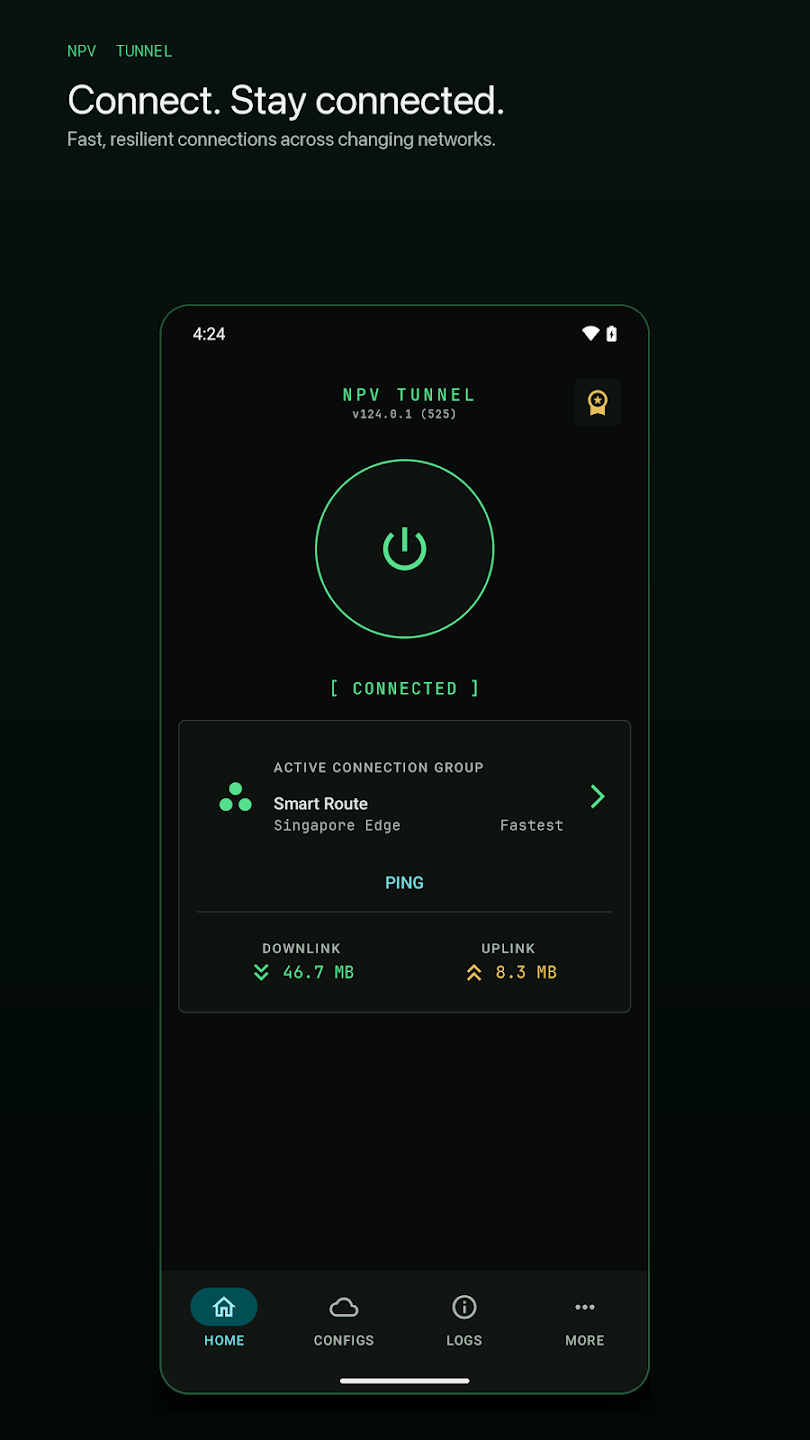
NPV Tunnel (also known as NapsternetV) is a configurable VPN and tunnel client. Bring your own server or provider config and connect with V2Ray, SSH, WireGuard, Hysteria2 and more. Read the full overview.
Stay connected
One tap to connect, live traffic stats, logs and automatic recovery when your network changes.
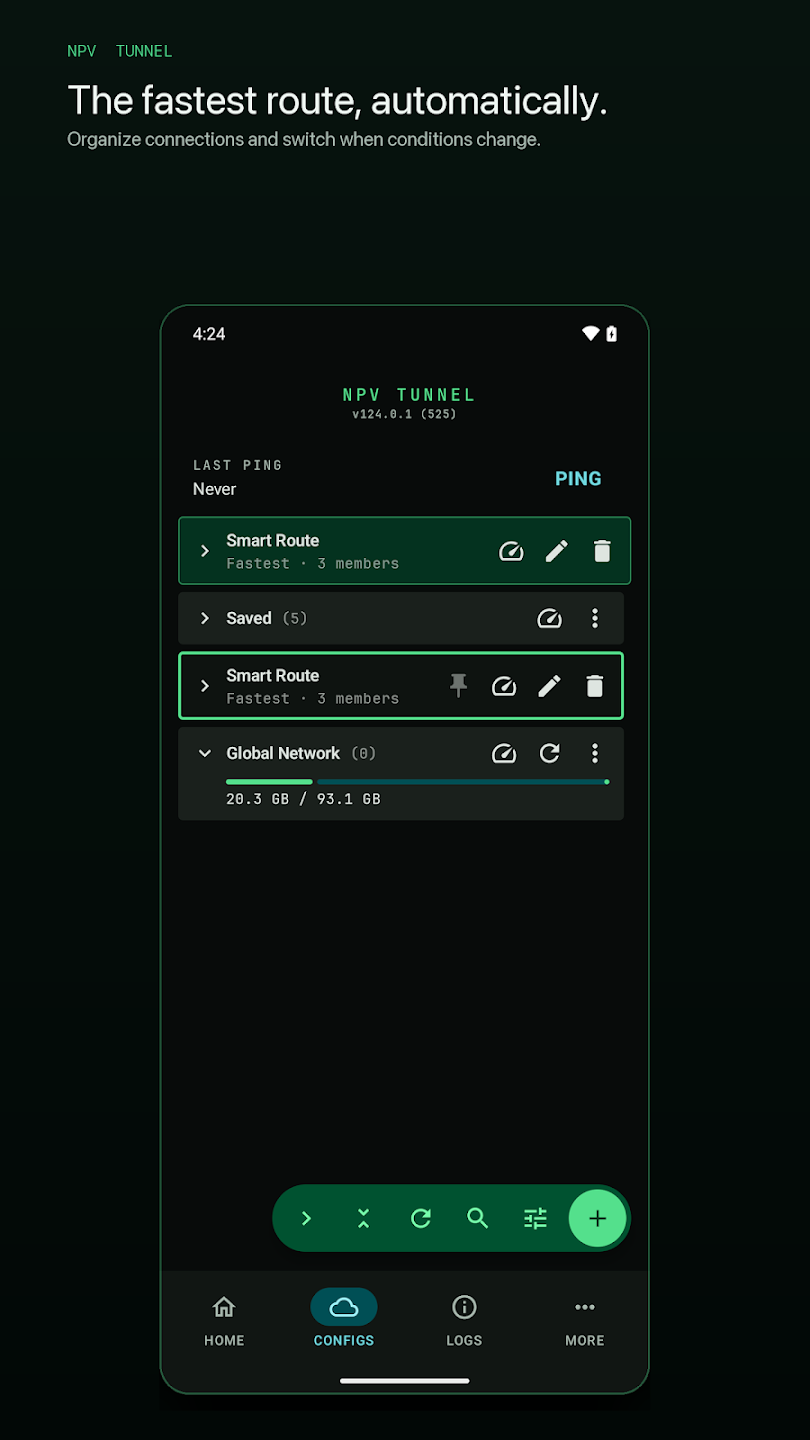
Fastest route, automatically
Group configs and let the app ping and pick the best one. Learn more →
10+ ways to connect
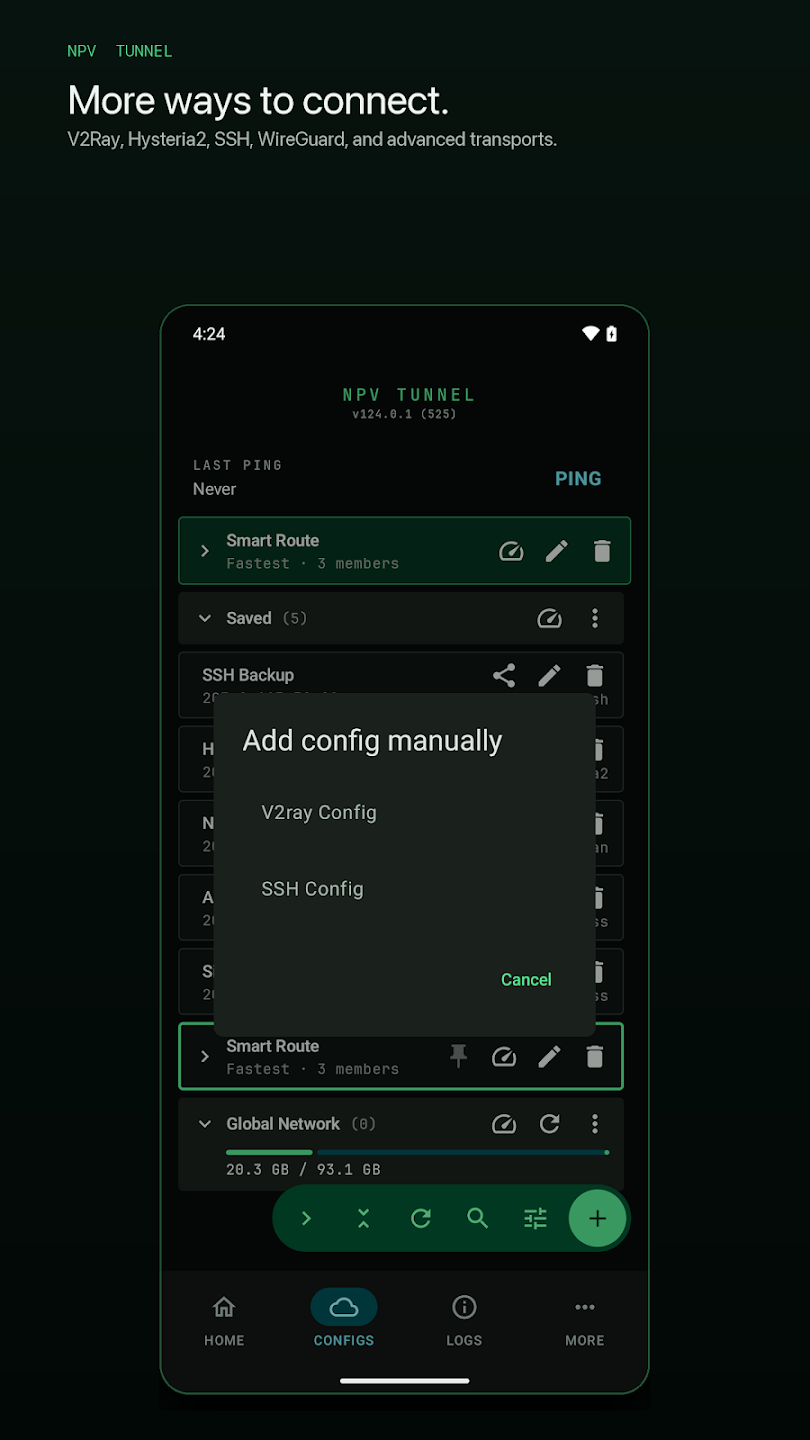
VLESS, VMess, Trojan, Shadowsocks, SSH, WireGuard, Hysteria2, DNSTT. Compare →
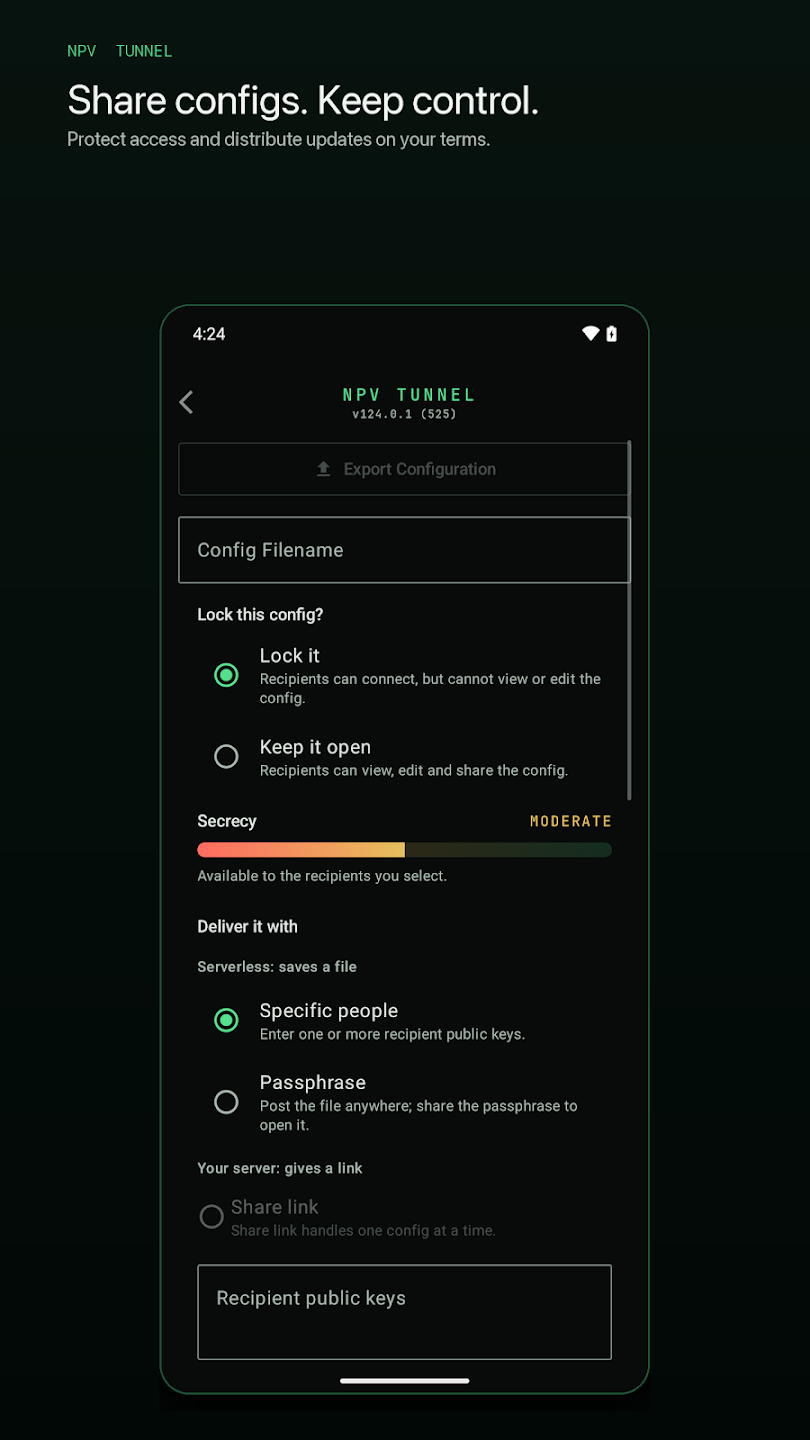
Share and keep control
Lock configs and deliver them by public key or passphrase. How sharing works →
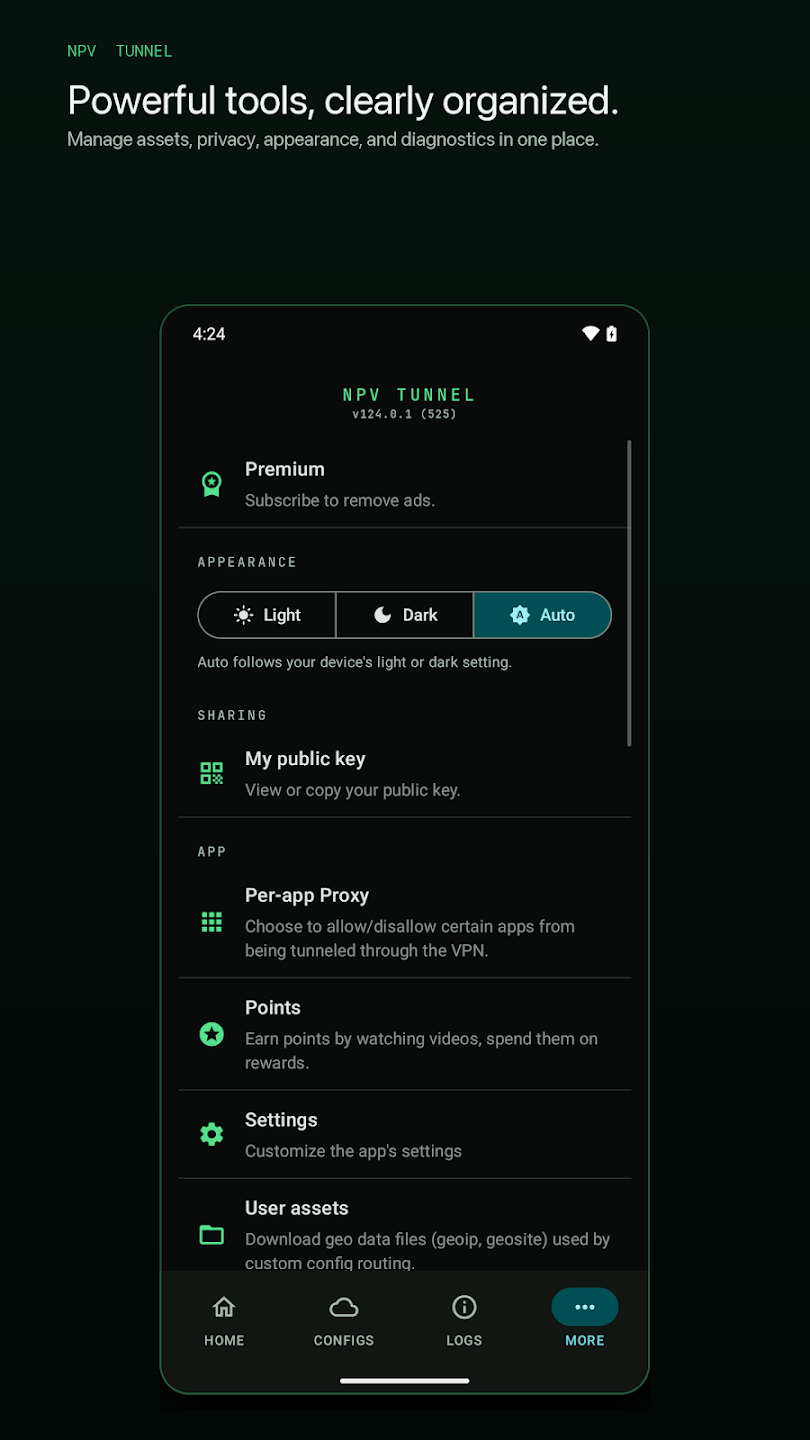
Built for daily use
Per-app proxy, light and dark themes, user assets and a tidy settings page.
Screenshots
See NPV Tunnel in action
Protocols
Supported protocols
Download NPV Tunnel
Free on Android and iPhone. Install from the official stores or the direct links on this site.
Guides
Learn NPV Tunnel
How to Use NPV Tunnel: A Complete Setup Guide for Beginners
Learn how to use NPV Tunnel step by step: install, import a config by file, QR, link or clipboard, ping, connect and avo…
READ GUIDE →NPV Tunnel Supported Protocols Explained in Plain English
Every protocol NPV Tunnel supports explained simply: VLESS, VMess, Trojan, Shadowsocks, SSH, DNSTT, WireGuard and Hyster…
READ GUIDE →NPV Tunnel Not Connecting? 12 Fixes That Actually Work
NPV Tunnel won't connect or keeps dropping? Try 12 proven fixes: expired config, wrong clock, ports, protocol, DNS, batt…
READ GUIDE →NPV Tunnel Config Guide: How to Get, Create and Import a Working Config File
NPV Tunnel config explained: what it is, where to get a real one, how to create your own VLESS, SSH or WireGuard config,…
READ GUIDE →FAQ
NPV Tunnel FAQ
What is NPV Tunnel?
NPV Tunnel (also known as NapsternetV) is a free, configurable VPN and tunnel client for Android and iOS. It connects using the V2Ray, SSH, WireGuard, Hysteria2 or DNSTT configuration you import. It is a client only: it does not include servers.
Is NPV Tunnel free to download?
Yes. NPV Tunnel is free on Google Play and the Apple App Store. The app contains ads and offers in-app purchases, such as Premium to remove ads.
Does NPV Tunnel provide VPN servers?
No. You need a compatible configuration from your own server or a provider you trust. Without a configuration the app has nothing to connect to.
Which protocols does NPV Tunnel support?
VLESS, VMess, Trojan, Shadowsocks, SOCKS, HTTP, SSH, WireGuard, Hysteria2 and DNSTT, plus custom Xray JSON configurations. Protocol availability can differ slightly between Android and iOS.
What is an .npv4 file?
An .npv4 file is a configuration file that NPV Tunnel can import. It can contain server details, protocol settings and sometimes an expiry date or data limit. Only import files from sources you trust.
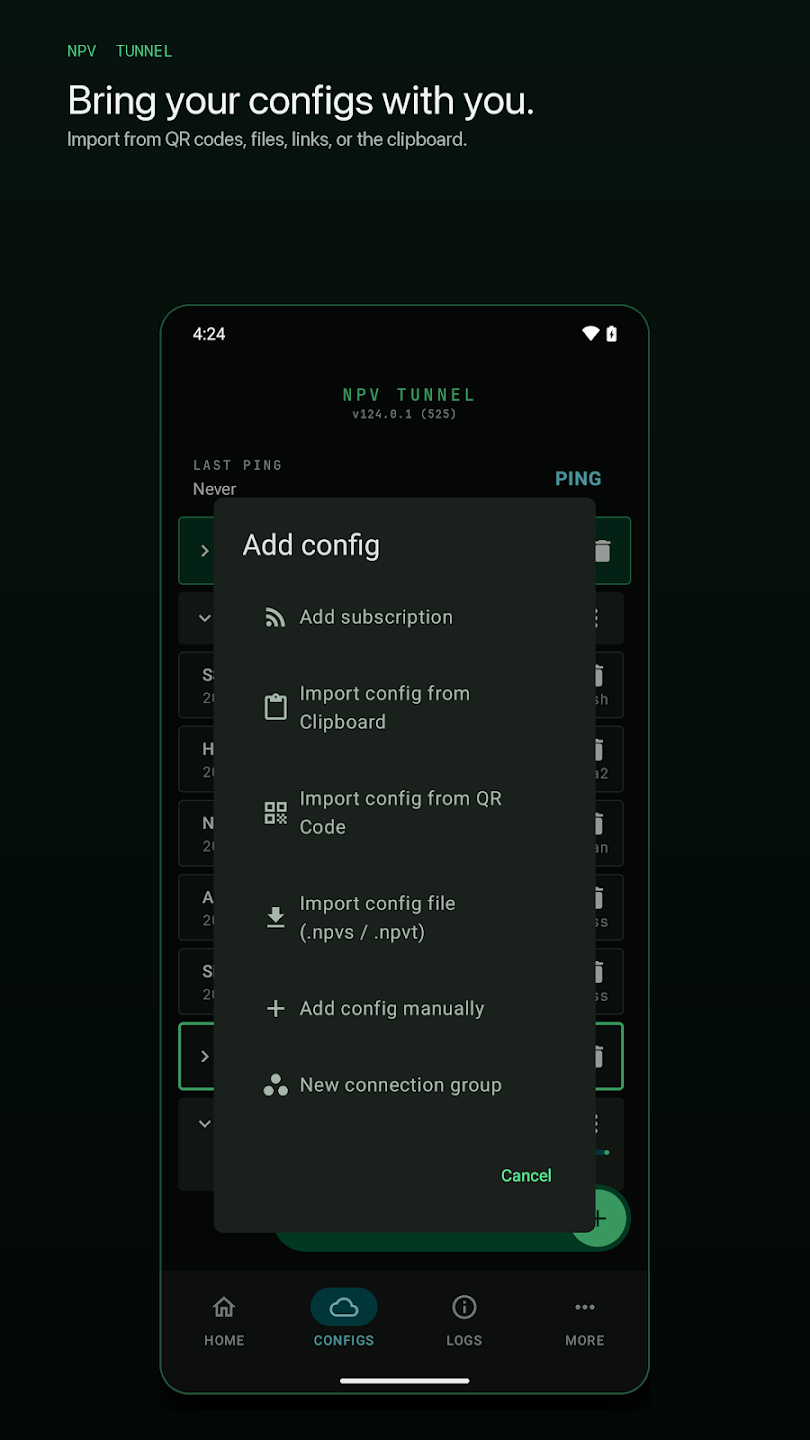
How do I import a config in NPV Tunnel?
Open the app, tap the + button, then choose to import a file, scan a QR code, paste a link or paste from the clipboard. Tap the imported config and press the connect button.